%Parent
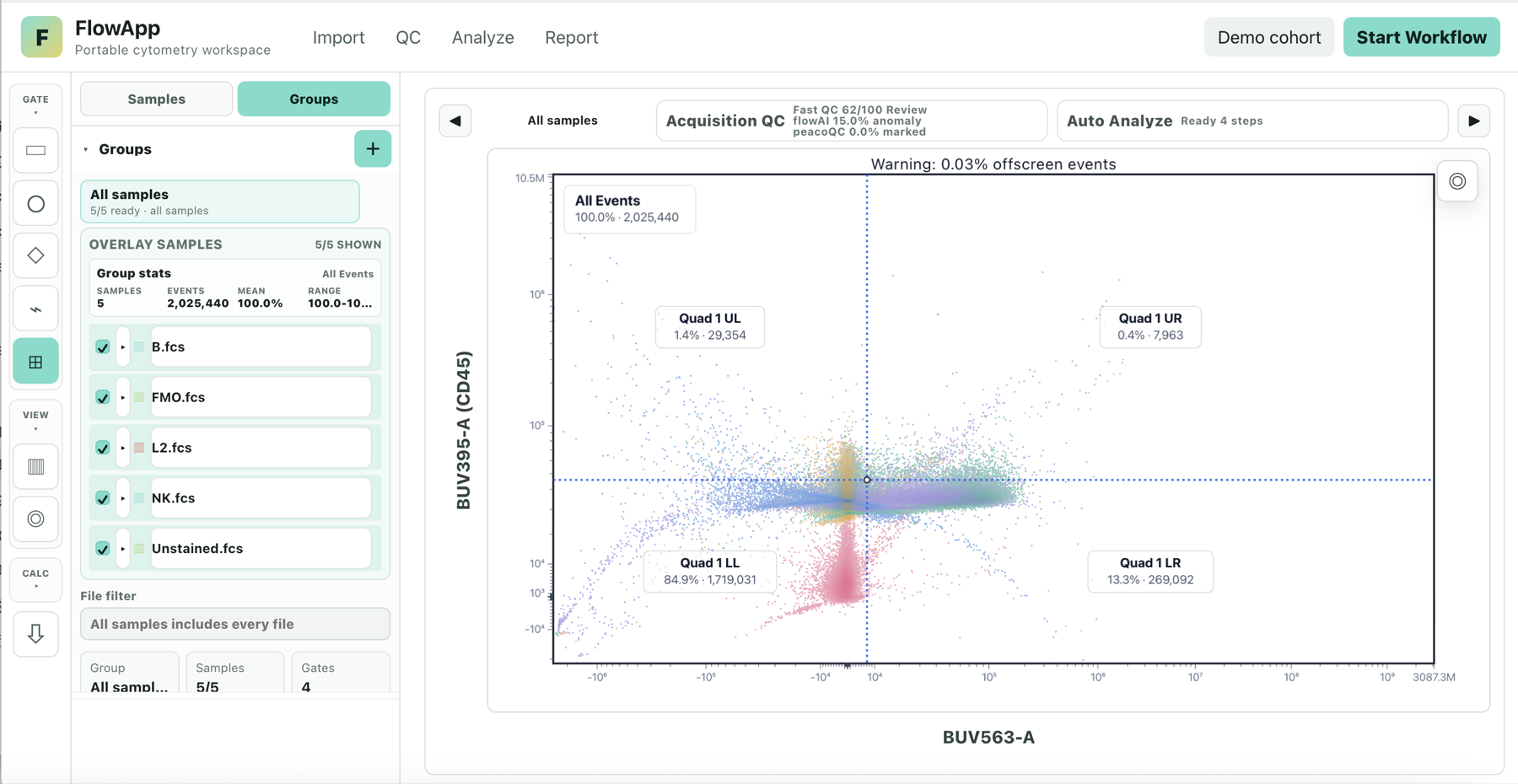
The percentage of events in a gate relative to its immediate parent population:
%Parent = events in gate ÷ events in parent × 100
This is useful for describing how a population changes along a gating hierarchy. The same gate can have a different %Parent when its parent changes.
%Total
The percentage of events in a gate relative to the chosen total population, commonly all events:
%Total = events in gate ÷ events in selected total × 100
Confirm what the software treats as the total. Do not compare %Parent with %Total as if they had the same denominator.
MFI and Median
MFI usually means mean fluorescence intensity: the arithmetic mean of event values for a selected channel and gated population. Check the software's definition because “MFI” is sometimes used loosely for other fluorescence summaries.
Median is the middle event value after sorting values in the selected population. It is less affected by a small number of extreme values than the arithmetic mean, but it describes a different aspect of the distribution.
Make comparisons interpretable
- Use the same population definition and gating hierarchy across samples being compared.
- Use the same channel, compensation state, and transformation settings.
- State the denominator for percentages and the measurement channel for fluorescence summaries.
- Distinguish technical replicates from independent biological samples when summarizing a group.
Group means or ranges describe the observed samples. Statistical inference requires a suitable study design and analysis; a descriptive report alone does not establish significance.